Ramulus: The Git App I Kept Wishing For
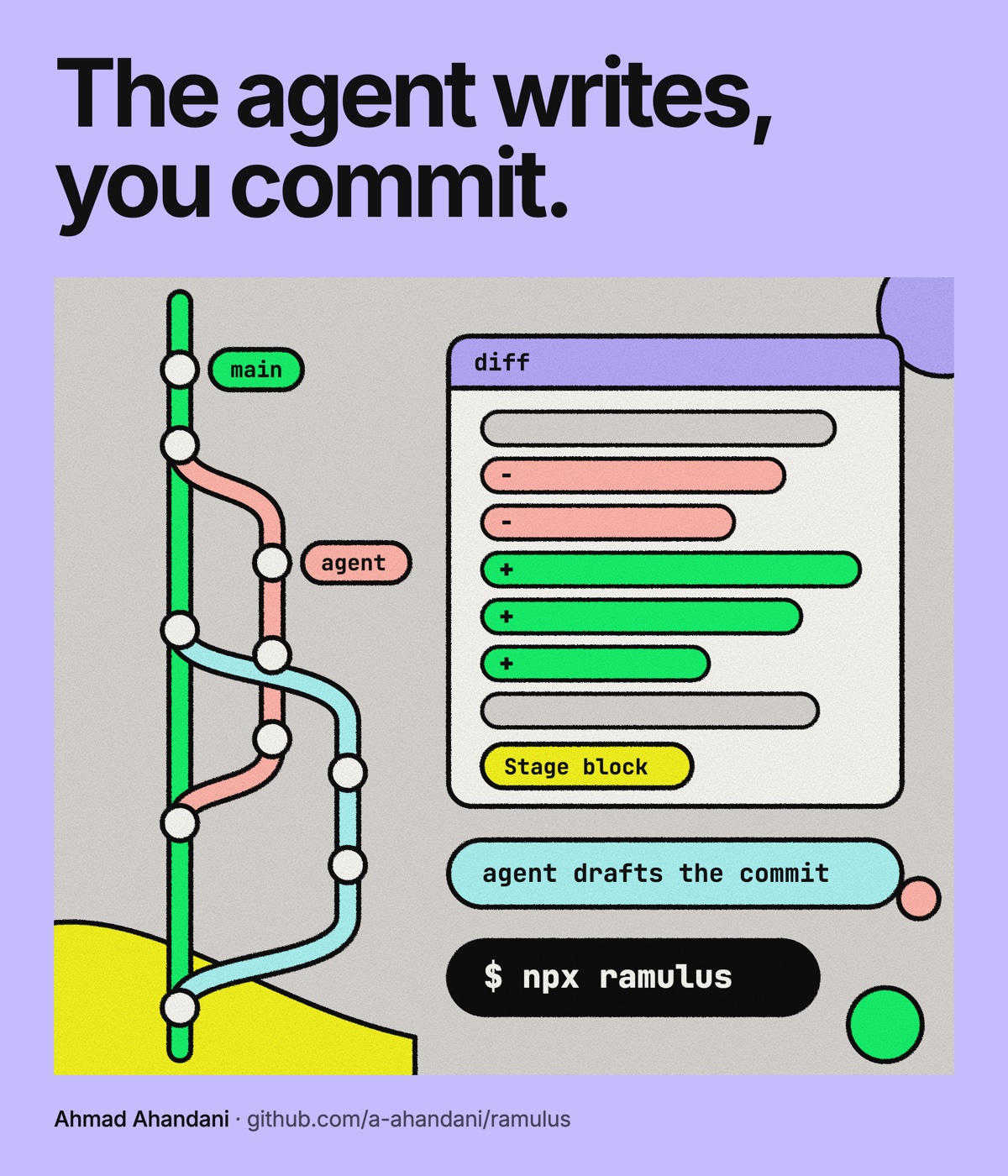
I've always kept a short list of tools I wished someone would build. For years it just sat there. Each one meant months of evenings, and there were never enough evenings.
This year the math changed. With an agent doing most of the typing, a first version takes a day. So I went back to the list.
One thing had been on it forever: a GitKraken for coding.
Where the Job Moved
Most of my code is written by an agent now. Almost all of it.
That moved my job. The part that is still mine is the review: what changed, on which branch, and whether it's safe to commit. Git used to be the place where I saved my work. Now it's the place where I decide what the work is.
I wanted one window for that. The branches, the diffs, and the agent writing them, all in the same place.
What It Does
Every wish on that list turned into a feature:
- All your projects in one sidebar. Open a folder like
~/codeand Ramulus finds every repository in it. Each one shows its branch, its changes and what it needs to push or pull. Pull all fast-forwards every one it safely can. - Every branch in one graph. Local and remote branches, tags, stashes and your uncommitted work, with how far each branch is ahead or behind.
- Your agent, right under the graph. Press ⌃` to open Claude Code, Codex, Gemini CLI or opencode in a tab. It uses the sign-in it already has, and Ramulus asks before using it, so there's no token to paste anywhere.
- A file browser that shows the changes. The Files tab marks every file the agent changed, and every folder that file sits in. You can see where it has been without asking it.
- Fix code while you review it. Diffs are built on Monaco, the editor inside VS Code. For anything you haven't committed yet, fix the line right in the diff and save with ⌘S. Then stage or discard one block of changes at a time.
- Commit messages written for you. One click drafts a commit message or a branch name, ready for you to edit. Merging is a drag: drop a branch onto a commit to merge or rebase it.
- Terminals that start in the right place. Every terminal opens in the folder of the project you're looking at. It stays alive in the background, so switching back is instant.
- Your agent sessions, where you can see them. The Agents list holds every agent and shell tab. Claude Code tabs are named after their conversation, and a small mark shows which one just finished. Close the app, open it the next day, and the same conversations are waiting.
- Pull requests and CI. Read a pull request's comments and checks through the GitHub CLI, see how each pushed commit's CI run went, and hand a merge conflict to your agent with a prompt you can edit first.
A Branch With Legs
I started on October 27. The first commit called it Ramify: a local Git client with a lane graph. By the end of that day it also had a macOS installer, a version that runs entirely in the browser, an npm helper, and a new name.
Ramulus is Latin for a small branch. The icon is a stick insect, which is basically a small branch with legs.
Two Weeks Later
Two weeks and 127 commits in, Ramulus is at 0.15.0.
It runs on the git you already have, so your SSH keys, hooks and credential helpers just work. It only listens on 127.0.0.1, with a new token every time it starts. No account, no cloud, no tracking.
There's a desktop app for macOS, Windows and Linux that updates itself. There's also a browser version that needs nothing installed. It's slower, works only in Chromium browsers, and leaves out rebase, cherry-pick and revert.
Try It
npx ramulus ~/codeYou need Node 20 or newer and git. There's also a download for macOS, Windows and Linux and a website.
It's MIT licensed. If a tool like this has been on your list too, give it a try, and tell me what's missing on GitHub.