Floating an Electron Overlay Over Full-Screen Apps on macOS
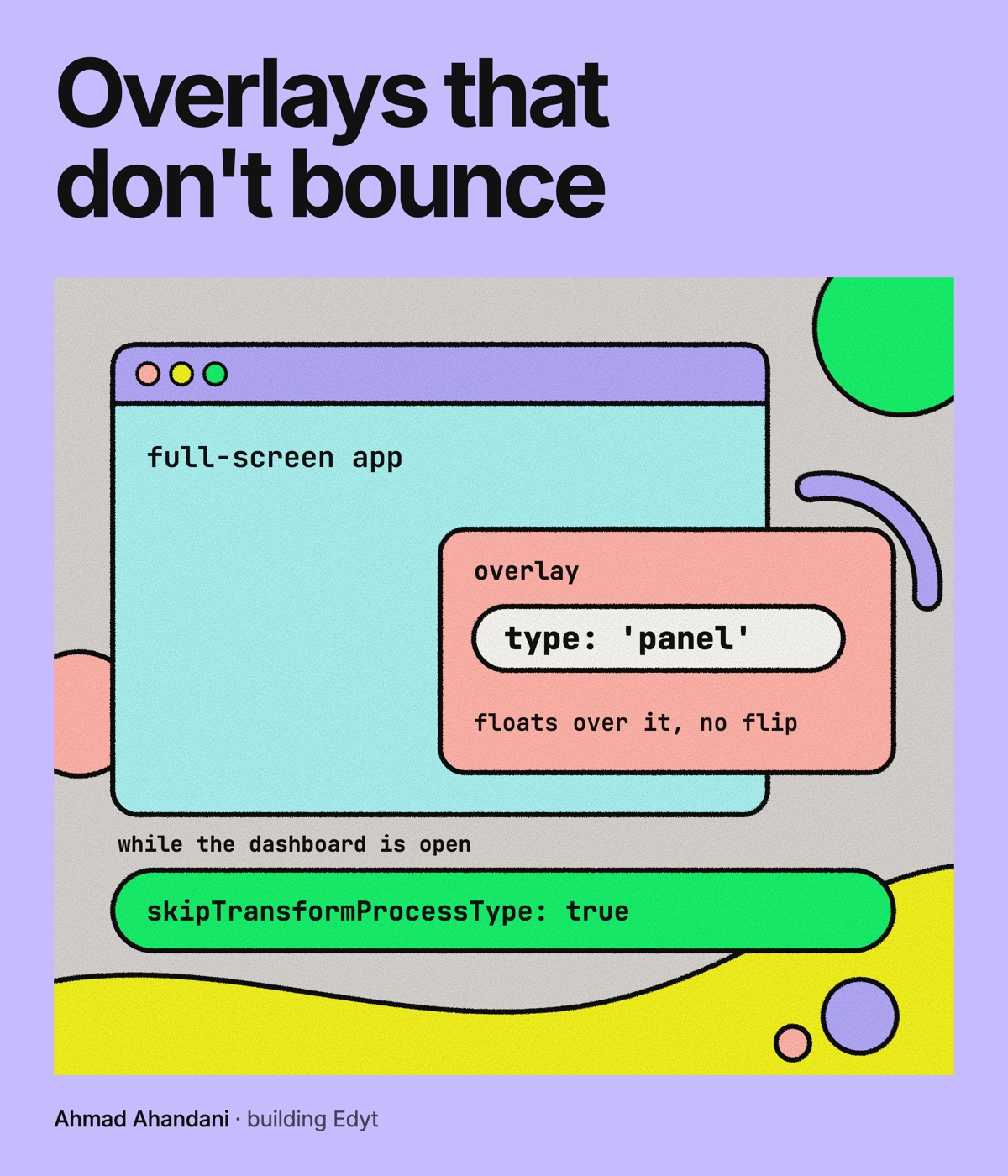
Edyt has a capture overlay: a window that sits on top of whatever app you are using. It has to show up on every macOS Space, including Spaces that hold a full-screen app. Getting that right in Electron took one option I had not used before and one I had been ignoring.
The Setup
The overlay is always on top and visible on all workspaces. A small z-order guard applies both, and it runs again every time the Space changes, because the overlay is rebuilt after each switch. The relevant part looked like this:
win.setAlwaysOnTop(true, level, relativeLevel)
if (!visibleOnAllWorkspacesApplied) {
  win.setVisibleOnAllWorkspaces(true, { visibleOnFullScreen: true })
  visibleOnAllWorkspacesApplied = true
}
win.moveTop()
visibleOnFullScreen: true is what lets a window appear over full-screen apps. It works, but it has a side effect.
The Side Effect
On macOS, setVisibleOnAllWorkspaces changes the app's process type behind the scenes. By default it switches the app between a UI element (no Dock icon) and a regular foreground app so the window lands where it should. Electron's docs mention this under the skipTransformProcessType option.
On its own, that flip is invisible. With Edyt's dashboard window open, it was not. Every time the overlay was rebuilt after a Space change, the flip bounced the screen over to the dashboard's Space first, and only then back to the full-screen app you were actually using. For a writing tool that is supposed to stay out of the way, a screen that jumps on its own is about as bad as it gets.
Fix One: Make It a Panel
Electron lets you create a macOS window with type: 'panel'. A panel can float over full-screen apps without needing the process type to change. The overlay now uses it on macOS:
new BrowserWindow({
  show: false,
  hasShadow: false,
  enableLargerThanScreen: true,
  ...(process.platform === 'darwin' ? { type: 'panel' } : {}),
  // ...
})
The spread keeps the option to macOS only.
Fix Two: Skip the Flip When Another Window Is Open
The guard now accepts a function that decides whether to skip the process type change, and the overlay passes one that checks the dashboard:
const overlayZOrderGuard = createZOrderGuard(
  { context: 'capture-overlay', errorCode: 'CAPTURE_OVERLAY_ZORDER_ENFORCE_FAILED' },
  { skipTransformProcessType: () => Boolean(getDashboardWindow()?.isVisible()) }
)
Inside the guard, the call becomes:
win.setVisibleOnAllWorkspaces(true, {
  visibleOnFullScreen: true,
  skipTransformProcessType: options.skipTransformProcessType?.() ?? false
})
It is a function rather than a boolean because the answer changes while the app runs. The dashboard can be opened or closed between two Space switches.
Why Not Always Skip It
With the dashboard closed, the flip is still useful: it is part of how the app keeps its Dock icon hidden. So the overlay keeps the default behavior when there is no normal window to bounce to, and skips it only when there is.
If You Are Building Something Similar
- Start with
type: 'panel'on macOS for anything that floats over other apps. It solves the full-screen case without side effects. - If you call
setVisibleOnAllWorkspaceswithvisibleOnFullScreen, know that it changes your process type each time it runs. - If your app also has a regular window, pass
skipTransformProcessType: truewhile that window is visible.
Bugs like this one only show up with a specific mix of windows open. It was worth writing down so the next person searching for "Electron window jumps between Spaces" finds an answer.